Skip to content

Who may do what.

Each colleague, only their work.

Rights set per person, per module and per action, such as view, create, edit or delete. Owner, admin and member: owners and admins hold every right, a member only those granted. No one's rights reach past the modules your company has booked.
PersoncontactsinventorypurchasesalesquotationfreightdiwassrefininganalysismarketwatchassistantOwnerSecond factorOffice passwordAll of itAll of itAll of itAll of itAll of itAll of itAll of itAll of itAll of itAll of itAll of itTradingSecond factorOffice passwordPart of itPart of itAll of itAll of itAll of itPart of itNoneNonePart of itPart of itAll of itDispatchSecond factorOffice passwordcontactsmayreadmay notcreatemay notupdatemay notdeleteinventorymayreadmay notupdatemay notdeletepurchasemay notcreatesalesmay notcreatequotationmay notreadfreightmayreadmaycreatemayupdatemay notdeletediwassmayreadmaypreparemay notsubmitrefiningmay notreadmay notcreatemay notdeleteanalysismay notreadmay notcreatemay notupdatemay notdeletemarketwatchmay notreadmay notmanageassistantmay notuseAccountingSecond factorOffice passwordPart of itPart of itNoneNoneAll of itPart of itNonePart of itPart of itNoneNoneYardInvitedOffice passwordNonePart of itNoneNoneNoneNoneNoneNonePart of itNoneNoneLeftBlockedOffice passwordNoneNoneNoneNoneNoneNoneNoneNoneNoneNoneNoneOpen APICompany keyOffice passwordPart of itAll of itNoneNoneNoneNoneNoneNoneNoneNoneNone

The approach

Europe first.

Every crossing has a gate.

EU-only data centres.

Servers, storage and AI inference.

People in

Who comes in.

Invited with rights already ticked.

Rights set per person, per module and per action, such as view, create, edit or delete. Owner, admin and member: owners and admins hold every right, a member only those granted.
Edit permissions · Erika Novak, Dispatch
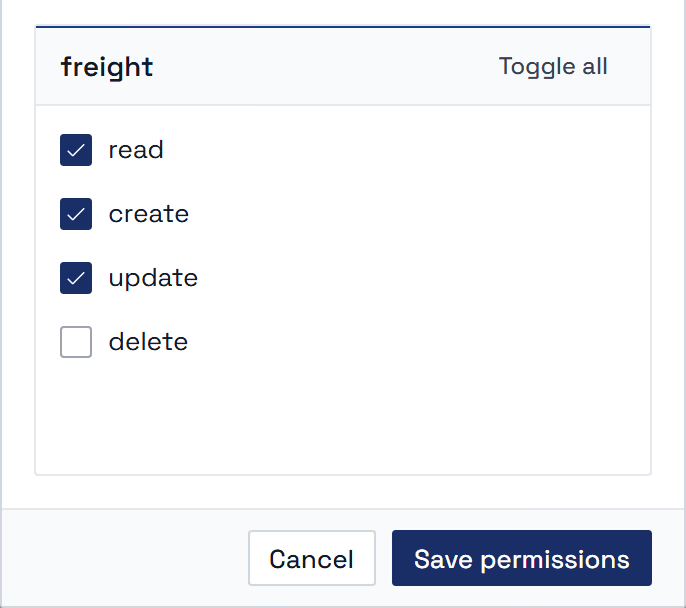
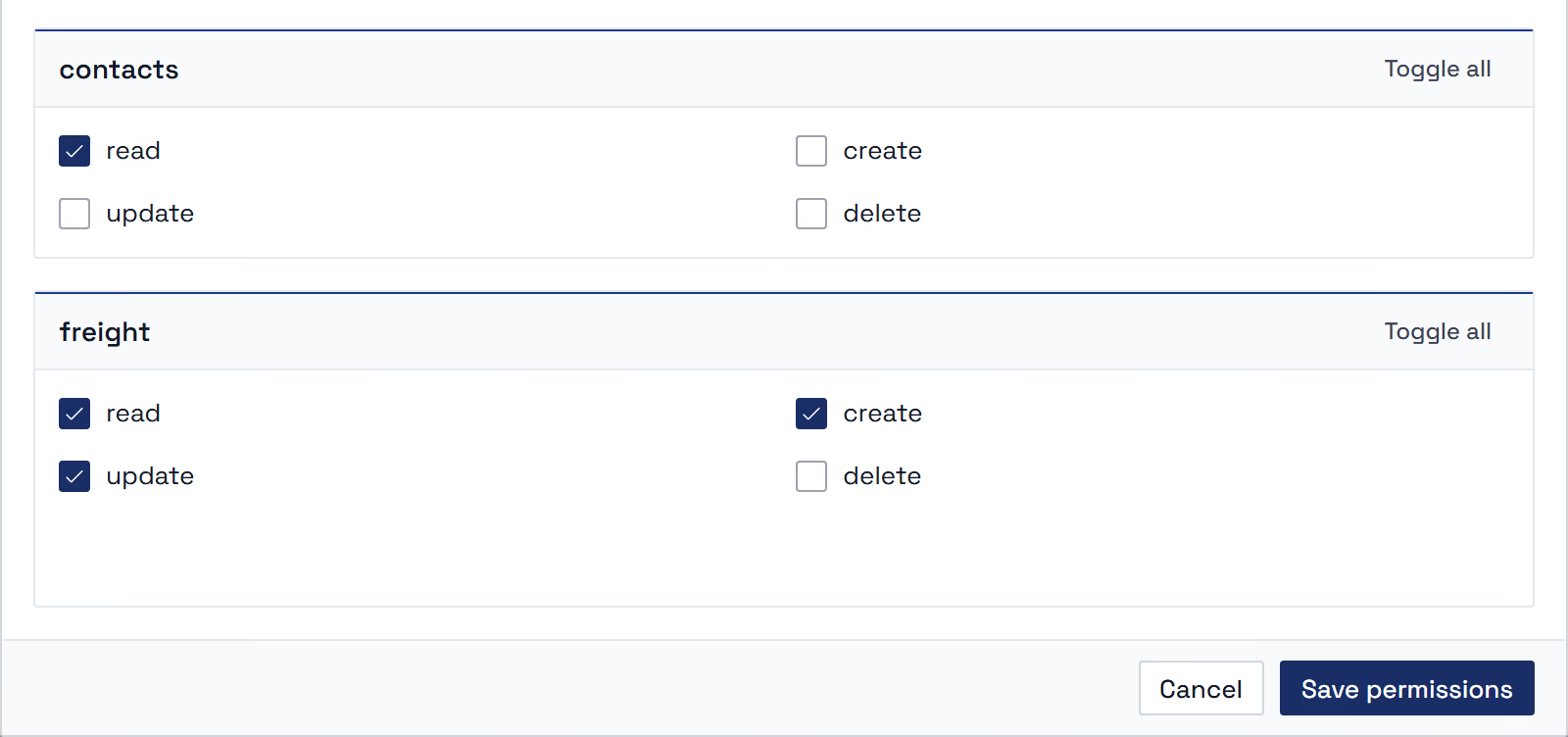
The app's permissions mask for freight: read, create and update ticked, delete not.
Company settings · Team
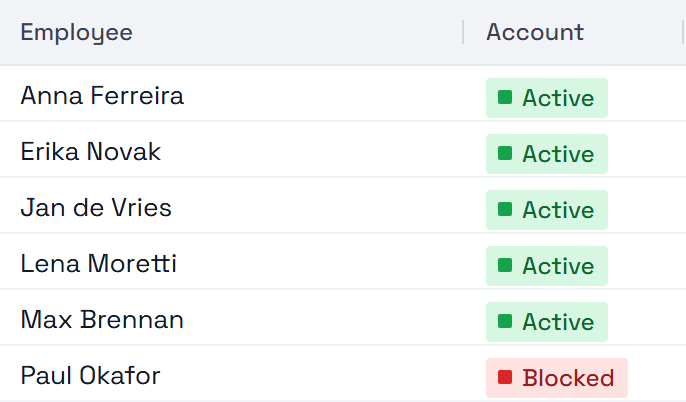
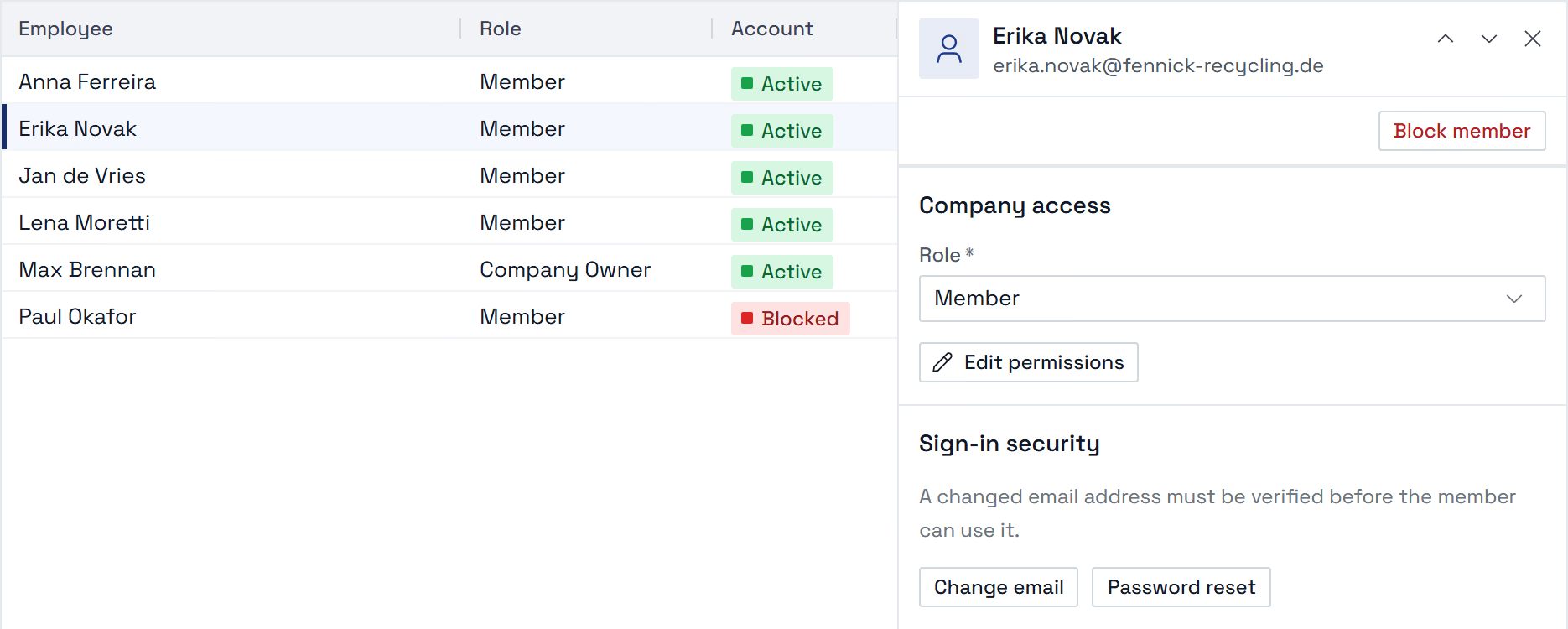
The app's team list: every account active, one blocked.
Company settings · Erika Novak
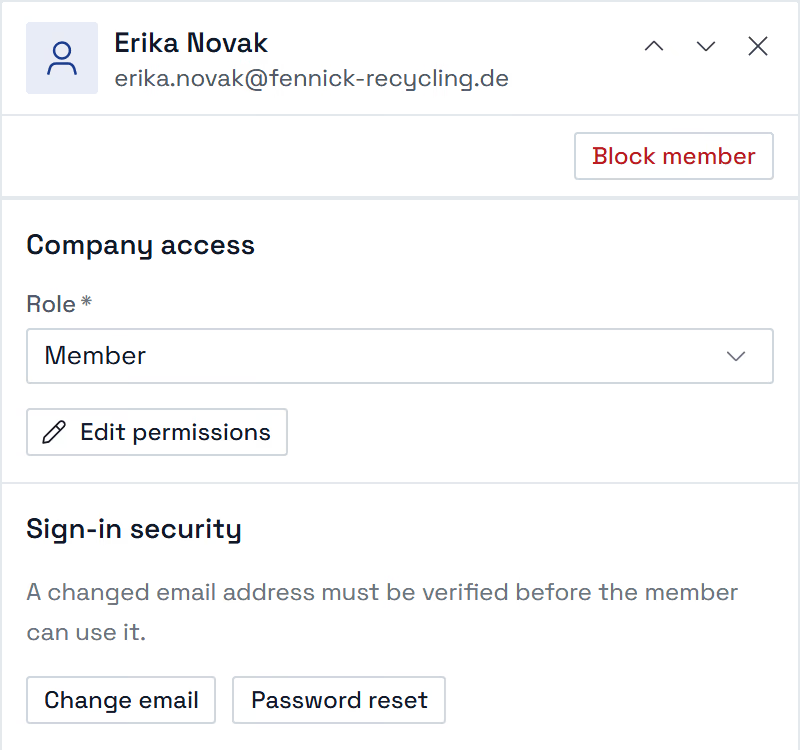
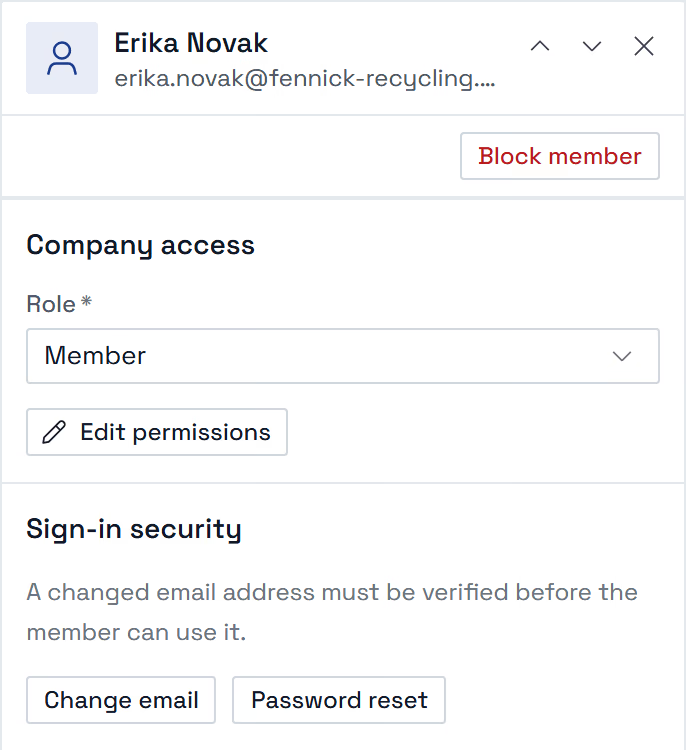
A member's pane in the app: the button Block member, the Role select, Edit permissions, Change email and Password reset.
Edit permissions · Erika Novak, Dispatch
The app's permissions mask for freight: read, create and update ticked, delete not.
Company settings · Erika Novak
A member's pane in the app: the button Block member, the Role select, Edit permissions, Change email and Password reset.
Company settings · Team
The app's team list: every account active, one blocked.
Invitation
By e-mail, rights ticked
Role
Owner, admin or member
A colleague leaves
Blocked, sign-in ends

Security

How they sign in.

A second factor per person.

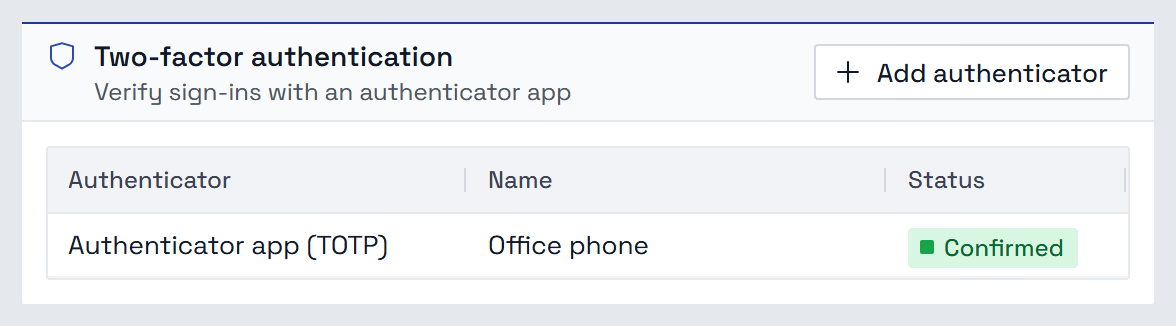
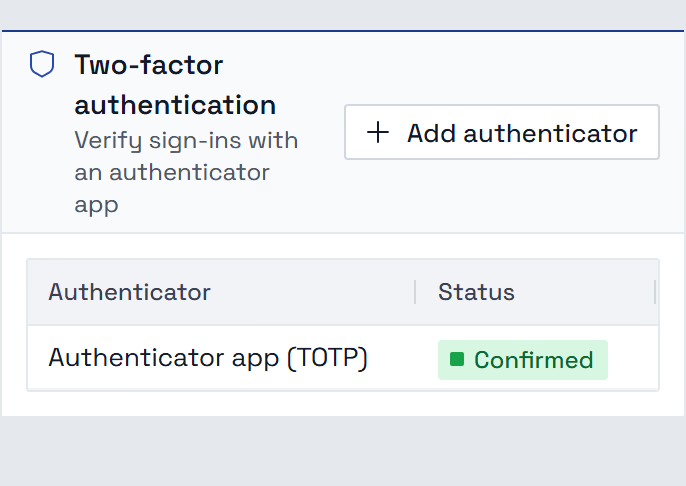
Each colleague can add an authenticator app as a second factor. When our support opens your company, it sees only your data, read-only; any change needs a stated reason, which is logged.

User settings · Security
The app's card Two-factor authentication: the button Add authenticator and one authenticator app, named Office phone, confirmed.
User settings · Security
The app's card Two-factor authentication: the button Add authenticator and one authenticator app, confirmed.
Second factor
Each adds their own
Password reset
By one-time link
Our support
Read-only, reason per change

Paper out

What goes out.

Every document leaves as you.

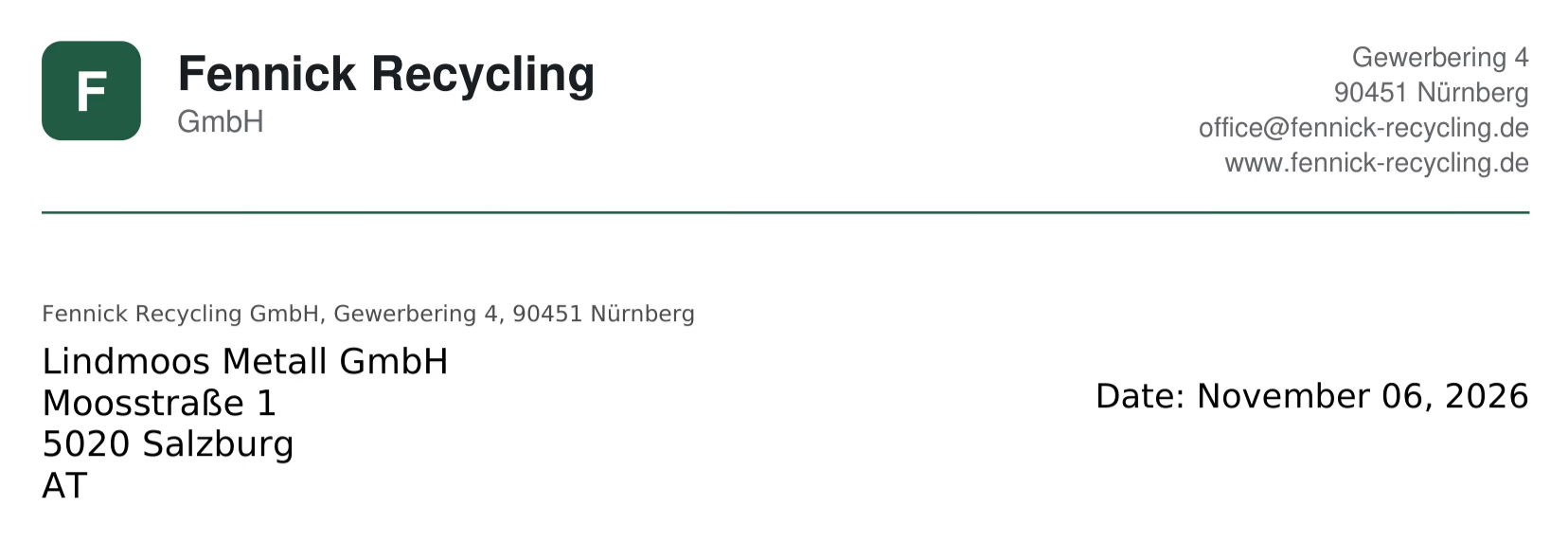
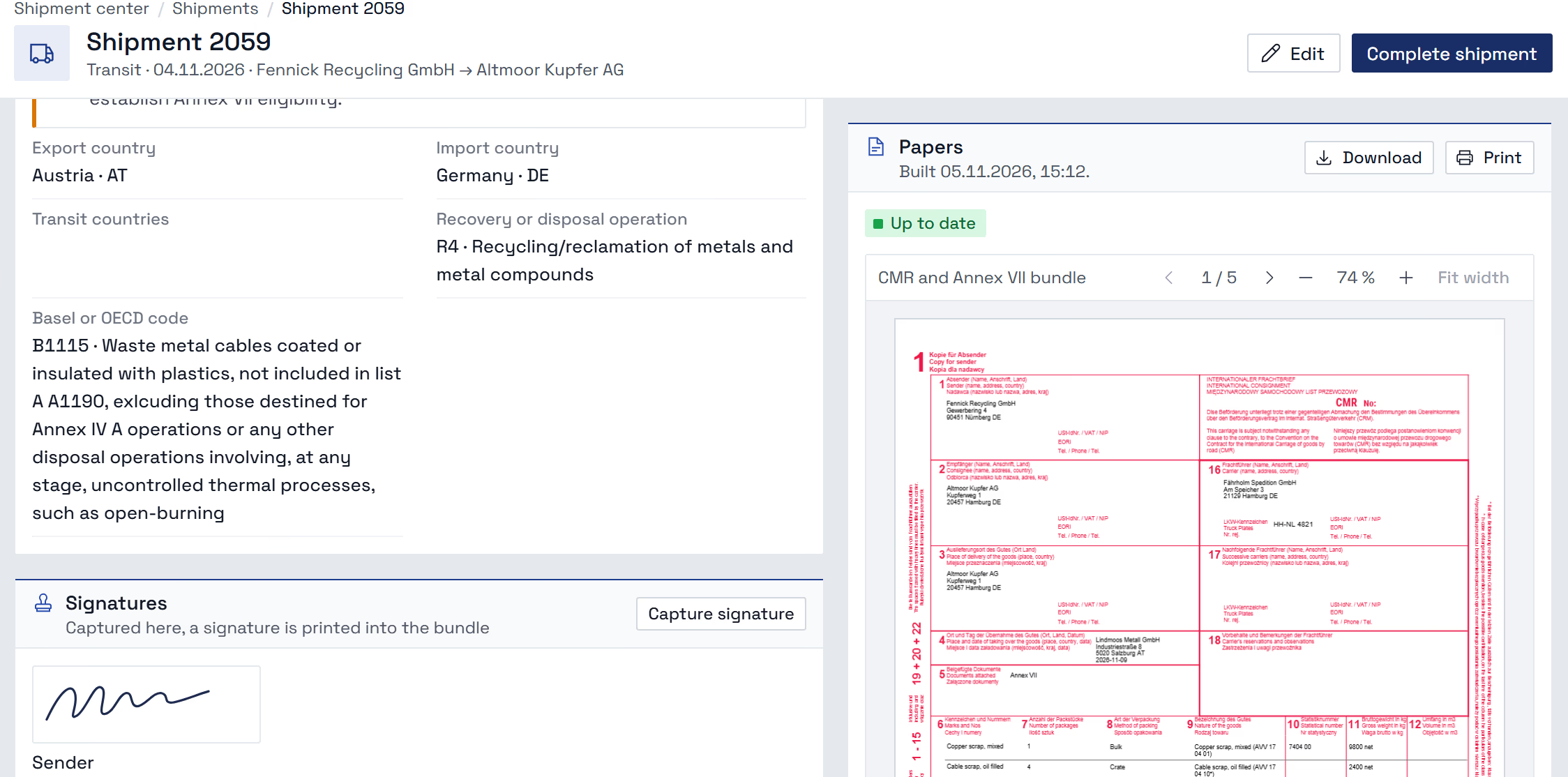
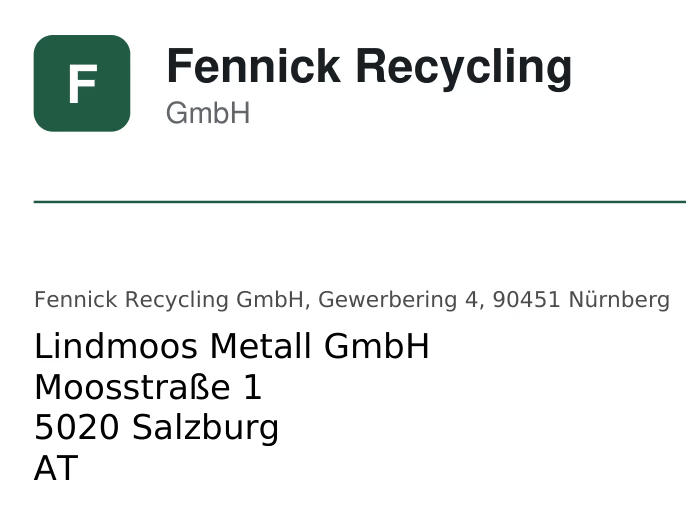
Your letterhead under every quotation letter, with your return line above the address. Stamps and signatures drawn into their boxes on the consignment note and the Annex VII.

A quotation, as it leaves
The head of an outgoing letter: the letterhead of Fennick Recycling GmbH, the return address line and the recipient's address.
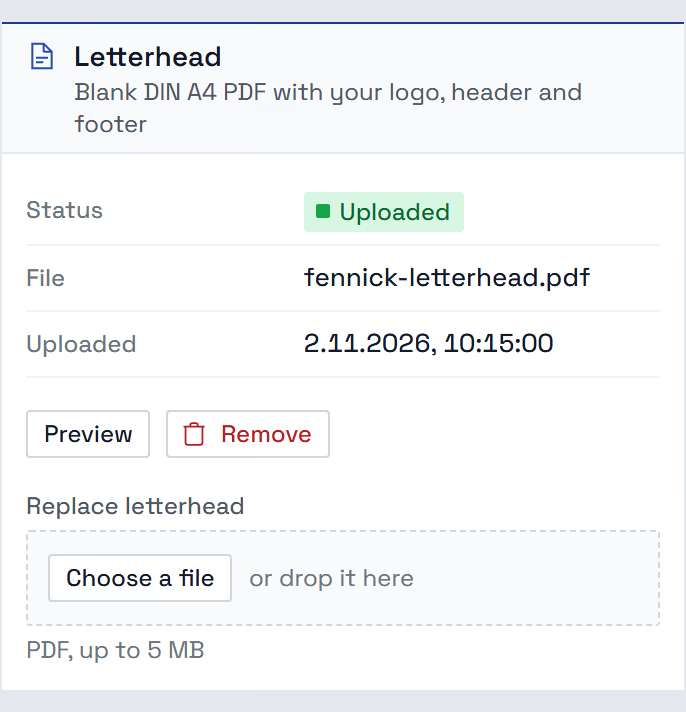
Your letterhead, uploaded once
The app's card Letterhead: status Uploaded, the stored PDF and the buttons Preview and Remove.
A shipment's papers
The app's card Signatures: a signature captured on the pad is printed into the bundle.
A quotation, as it leaves
The head of an outgoing letter: the letterhead of Fennick Recycling GmbH and the recipient's address.
Your letterhead, uploaded once
The app's card Letterhead: status Uploaded, the stored PDF, the buttons Preview and Remove and the field Replace letterhead.
A shipment's papers
The app's card Signatures: a signature captured on the pad is printed into the bundle.
Quotations, pickup orders
On your letterhead
CMR, Annex VII
Stamped and signed in place
E-mail Quotations
Your signature underneath

Software in

Your software, one key.

Your system, macro or script.

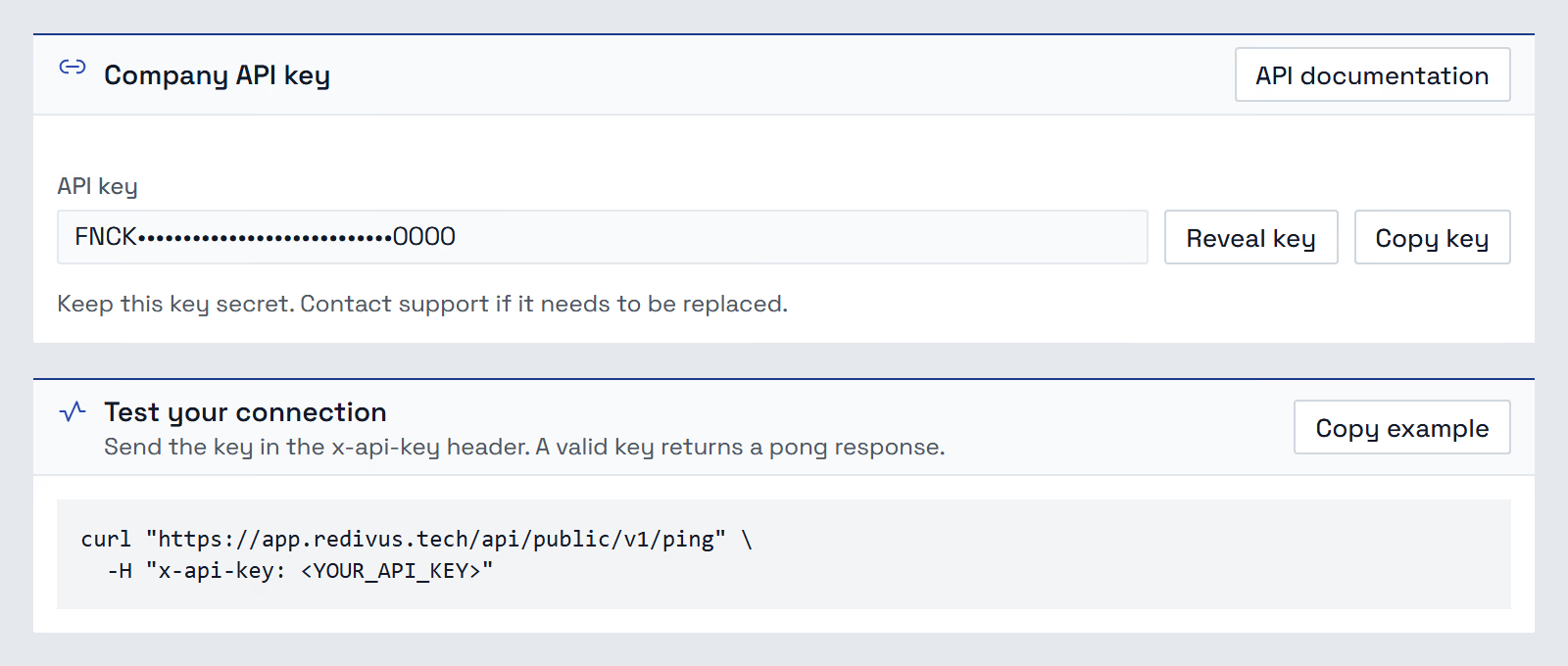
A public API that reads and writes contacts and stock records, with its own documentation. One key for the whole company, which reaches only your data; only owners and admins see it. A daily request limit, and a ping that checks your key and the requests left today.

API access
The app's cards Company API key, with the masked key and the buttons Reveal key, Copy key and API documentation, and Test your connection with one example call.
API access
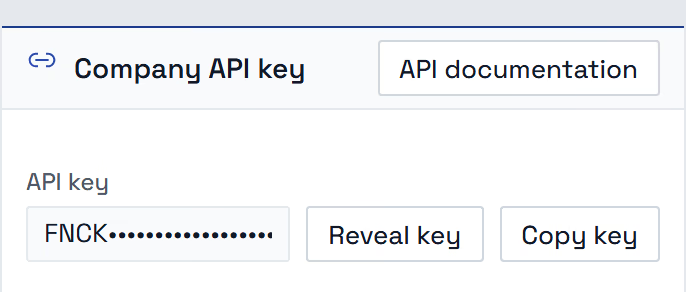
The app's card Company API key: the masked key with the buttons Reveal key and Copy key.
Company key
One per company, from Redivus
Open API
Documented, tested with one call
ERP Syncer
Runs on your own computer

Archive

A deletion can be undone.

Deleted is not gone.

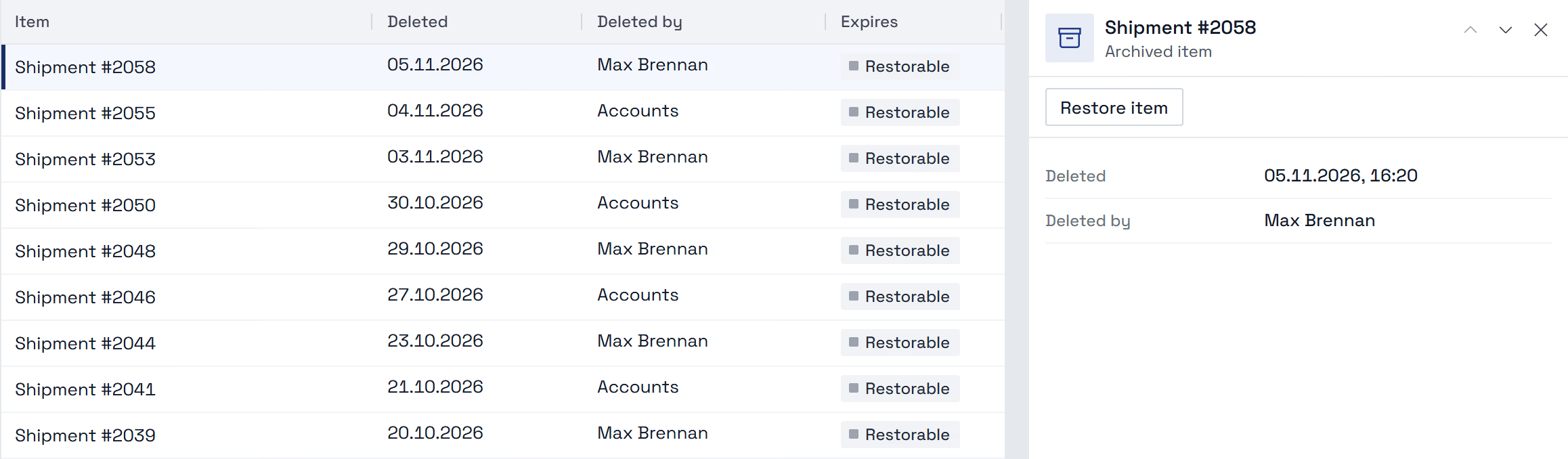
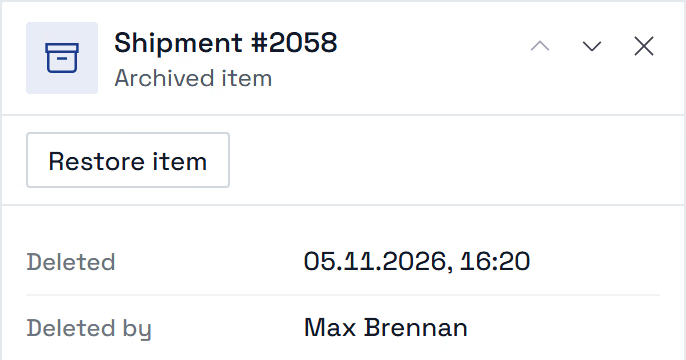
Undo a deletion at once, or restore it from the company archive with everything deleted alongside it.

Company archive
The app's archive: deleted shipments with the date and who deleted them; one picked, its pane with the button Restore item.
Company archive
An archived shipment's pane: the button Restore item, when it was deleted and by whom.
Someone deletes
It lands in the archive
Restore item
Back where it was
A module cancelled
Its data stays

Bring your workflow.

Let us walk through your example.